
The Inside Job: Why On-Premise CCTV Hardware Fails When You Need It Most
Brought to you by the PATH Engineering Team
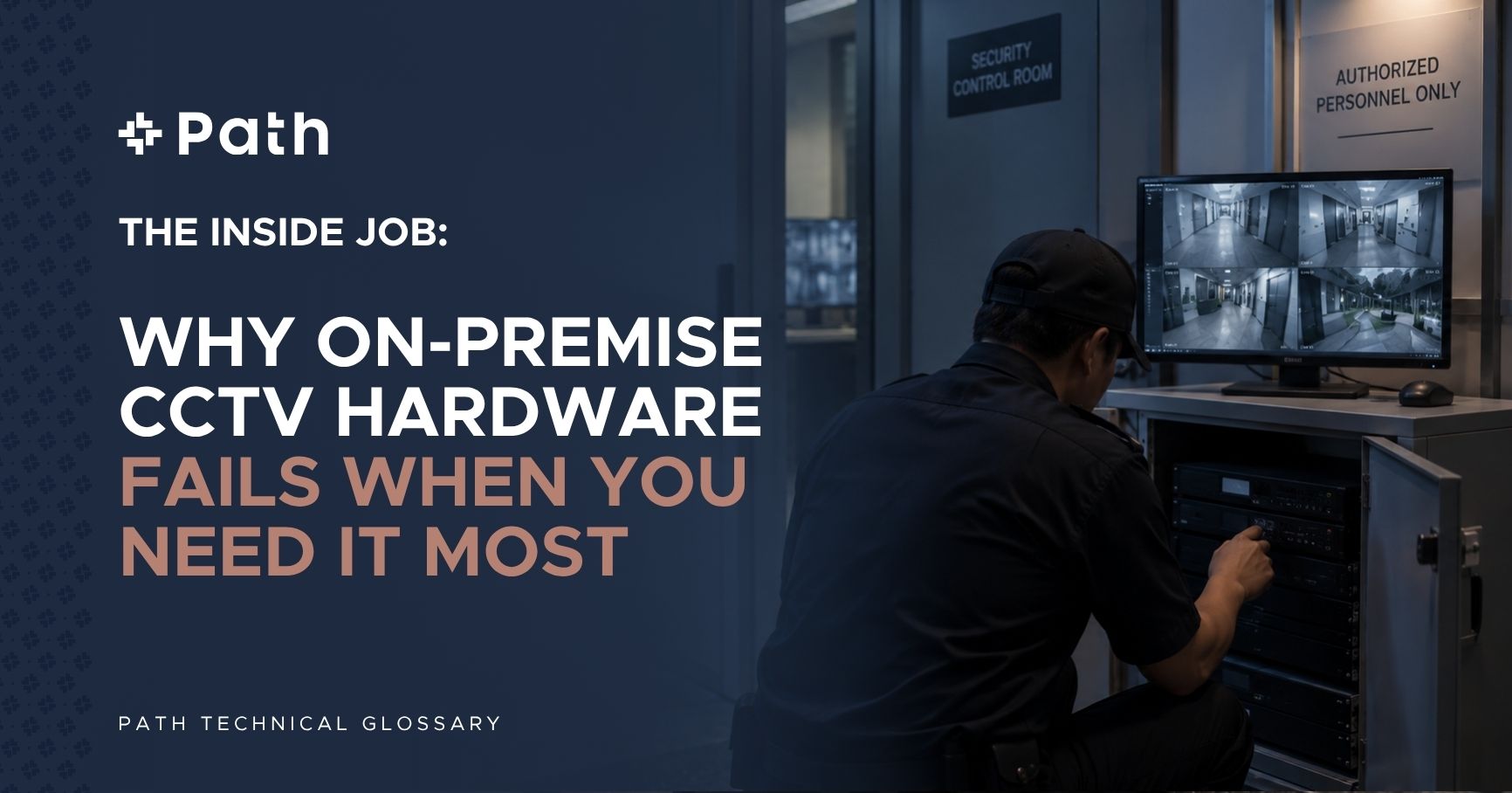
Imagine this scenario: A staff member in an enterprise facility notices a security guard attempting to enter a restricted executive area late at night. The staff member reports the incident the next morning, expecting management to review the CCTV camera footage from the hallway.
Management walks down to the guardhouse, opens the DVR cabinet, and searches for the timestamp.
The footage is gone. Blank.
Because the security officer had physical access to the local Digital Video Recorder (DVR) in the guardhouse, she simply logged in, selected the file, and pressed “Delete.” By the time the property manager realized what happened, the evidence was permanently destroyed.
This isn’t a hypothetical movie plot. This is a real incident from the ground—and it happens in commercial buildings, residential MCSTs, and industrial facilities across Singapore every single week.
The “Guardhouse DVR Paradox”: Physical Access Equals Total Control
For decades, the standard way to deploy CCTV in Singapore has been simple: install cameras, run coaxial or ethernet cables to a local recorder (DVR/NVR) inside the guardhouse, and hook it up to a monitor.
It feels safe. You can see the screens glowing. But from a security engineering standpoint, this architecture creates a massive structural vulnerability: Physical access equals administrative control.
If an unauthorized person, a disgruntled employee, or a rogue security guard has physical access to your local recorder, your security system is compromised. Local DVRs are vulnerable to:
- Manual File Deletion: Local administrators or guards with access keys can format hard drives or delete specific event clips.
- Physical Theft or Destruction: An intruder who breaks into the property can simply steal the DVR unit on their way out, wiping away all proof of the break-in.
- Hardware Degradation & Silent Failures: Hard drives inside local DVRs overheat and fail silently. Property managers often discover their hard drive died three months ago only when an incident occurs and they try to pull footage.
The Cloud Solution: Decoupling Recording from Physical Reach
The solution to the “Guardhouse DVR Paradox” isn’t buying a bigger lock for your DVR cabinet. It’s eliminating the local single point of failure entirely.
At PATH, we deploy a Cloud-First Video Management System (VMS) architecture powered by enterprise cloud infrastructure (such as Eagle Eye Networks).
By decoupling the physical camera from on-site storage, video streams are encrypted in real-time and transmitted straight to secure off-site cloud servers.
How Cloud VMS Eliminates Local Tampering:
- Immutable Cloud Archives: Once video footage is captured and encrypted, it is stored in immutable cloud storage. No one on-site—neither guards nor facilities managers—can delete, overwrite, or alter recorded video.
- Role-Based Read-Only Access: Frontline guards are given read-only view access on their monitors or mobile tablets. Administrative permissions (like exporting footage or changing system settings) are restricted to authorized off-site personnel.
- Tamper-Evident Audit Trails: Every single login, camera view, and stream request generates an immutable audit log. If someone attempts to tamper with a camera or disconnect a cable, an instant alert is triggered at our 24/7 Global Security Operations Centre (GSOC).
- Edge Storage Redundancy: In the event of a local internet outage, cameras continue recording to onboard SD cards (Edge Storage). As soon as the network connection restores, the camera automatically backfills the missing footage to the cloud.
From 2 Hours of Searching to 10-Second Extraction
In traditional local setups, pulling CCTV footage for the police or an internal inquiry is a tedious, multi-step headache. You have to locate the USB drive, find the proprietary media player software, export the raw file, and hope it isn’t corrupted.
With PATH’s Cloud VMS, video extraction takes 10 seconds:
- Open the secure PATH mobile app or web browser.
- Select the timestamped incident trigger generated by AI analytics or remote GSOC operators.
- Generate an encrypted, watermarked video link and share it directly via WhatsApp or email with law enforcement or management.
Stop Buying Hardware That Can Be Erased. Start Buying Managed Outcomes.
If your building’s physical security relies on an unmonitored local box sitting under a desk in a guardhouse, you don’t have a security system—you have an illusion.
At PATH, we act as your Single Accountable Operator. We integrate physical security consulting with cloud VMS technology and 24/7 remote command to give you complete visibility, zero single points of failure, and guaranteed compliance.
Is your CCTV footage truly safe?
Don’t wait for an incident to find out your footage was deleted or corrupted. Visit our website today to explore our unified managed security platform and book a 100% free VSS & Cloud Security Audit with our engineering team.
From Manpower to Managed Security. One operator, total accountability.
Company
Resources